Shapes Control Reference
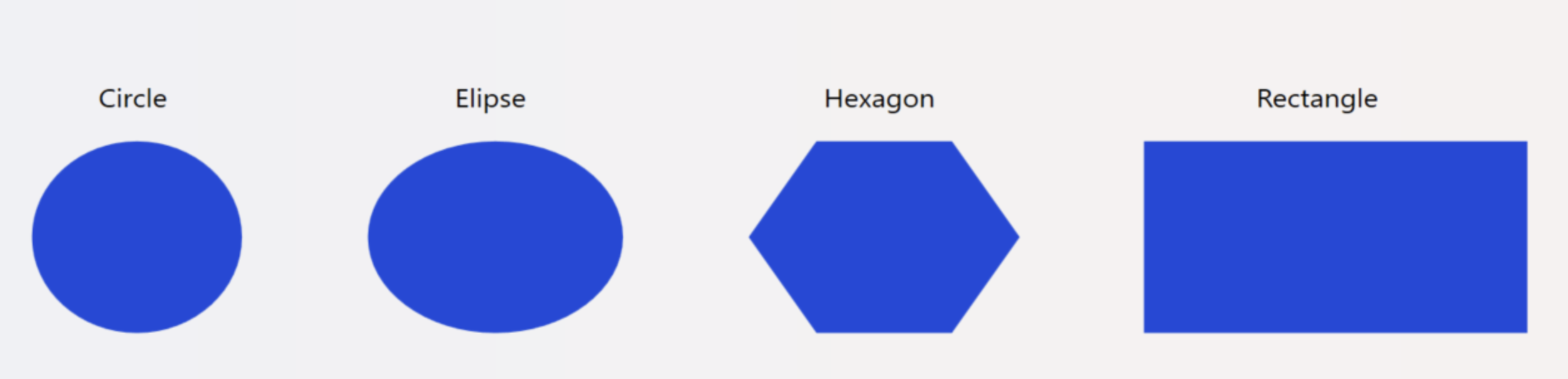
Circles, ellipses, hexagons, rectangles, polygons, polylines, and gridlines form the core of advanced visual designs. Use these shapes to create intricate graphics in mobile and desktop applications. Combine and manipulate these elements to produce detailed designs. Select shapes from the Components Panel, then drag and drop them into the drawing area.
You can change the properties of the shapes to enhance your display.
Tip
Using the IsConnector: The IsConnector property allows you to visually link two shape objects, such as rectangles, circles, or polygons. After enabling such property on both objects, you can connect them together using a GridLine or PolyLine.
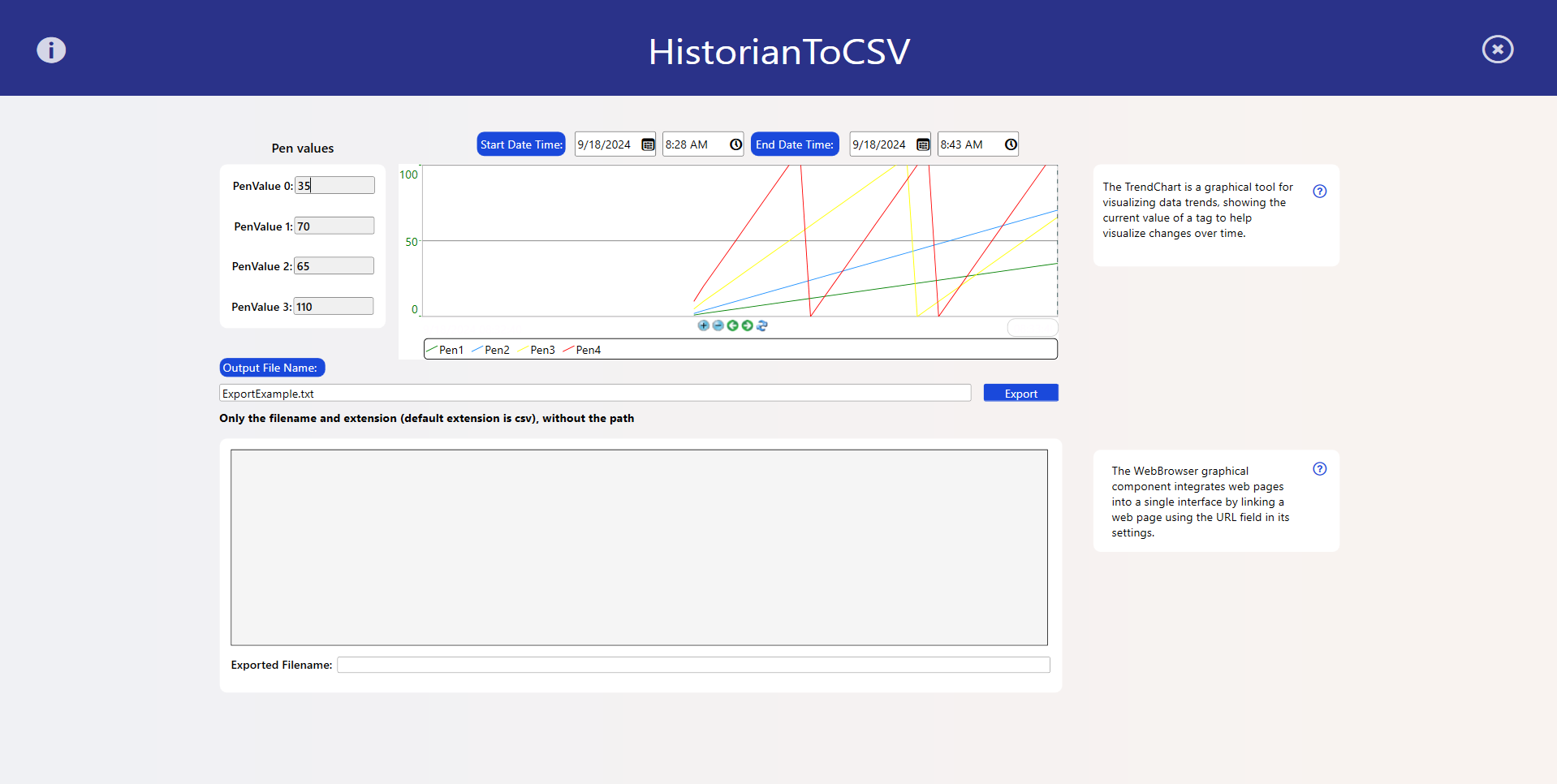
In the Export Historian to CSV, we've used the rectangle shape to organize the content in the display.