ProgressBar Control Reference
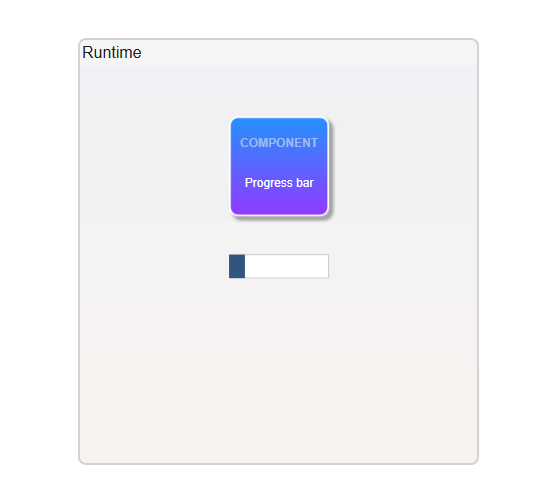
The ProgressBar is a graphical element that allows users to show the status of Task by displaying a bar proportional to the current progress in the task.
It has also an option to show an indeterminate visual, when the task is progress but the exact progress information is not available.
Configuration
The Checkbox control include options for customizing its behavior and display. These settings control the checkbox's functionality and user interface integration.
- Go to Displays / Draw.
- On the Components Panel, select Viewer, then ProgressBar.
- Click or drag-and-drop it on the Drawing area to use it.
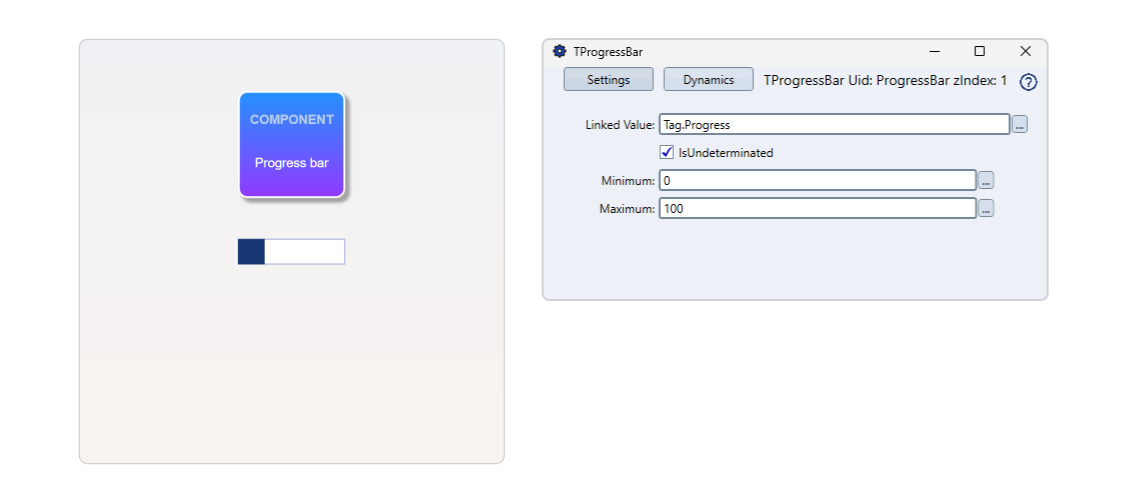
- Double-click the component to open the configuration window.
Checkbox Settings | |
|---|---|
Field | Description |
LinkedValue | Associates the Progressbar with a tag, enumeration, value, or object. This linkage means that the progress bar will reflect the value of the selected object in your application. |
IsIndeterminate | Makes the ProgressBar shows a waiting image, without any specific progress indication. |