ReportViewer Control Reference
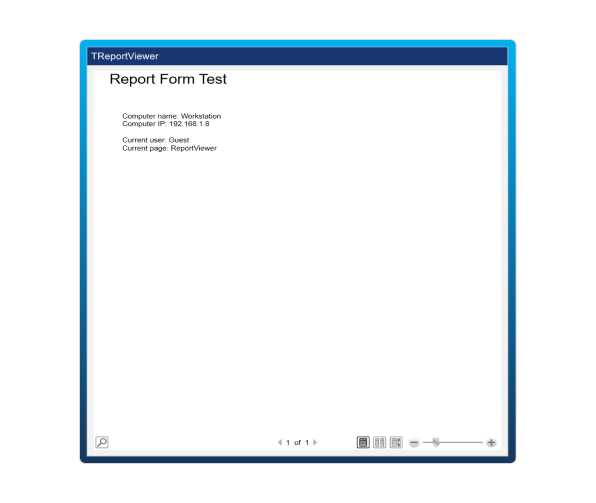
The ReportViewer is a graphical component for displaying Report Forms defined and configured in the Reports module.
Configuration
The ReportViewer is a graphical component for displaying Report Forms defined and configured in the Reports module. To use it:
- Go to Displays / Draw.
- Select Viewer, then ReportViewer.
- Place it on the Drawing area by clicking or dragging and dropping.
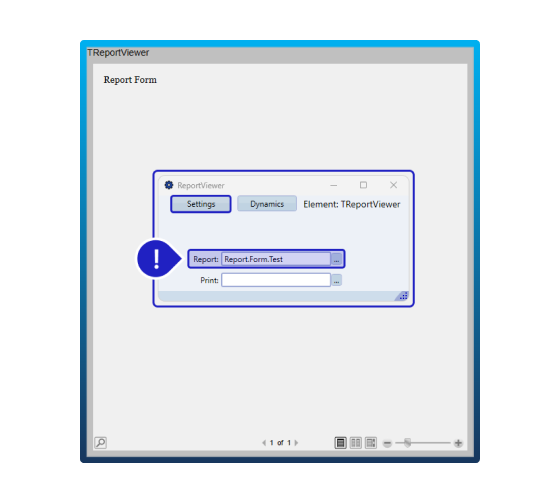
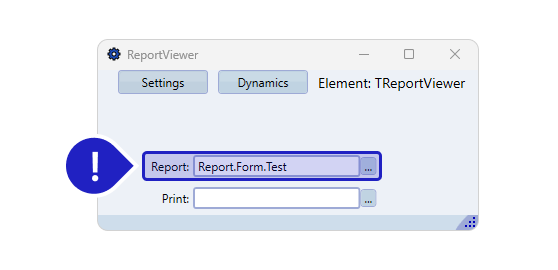
- Double-click to configure it.
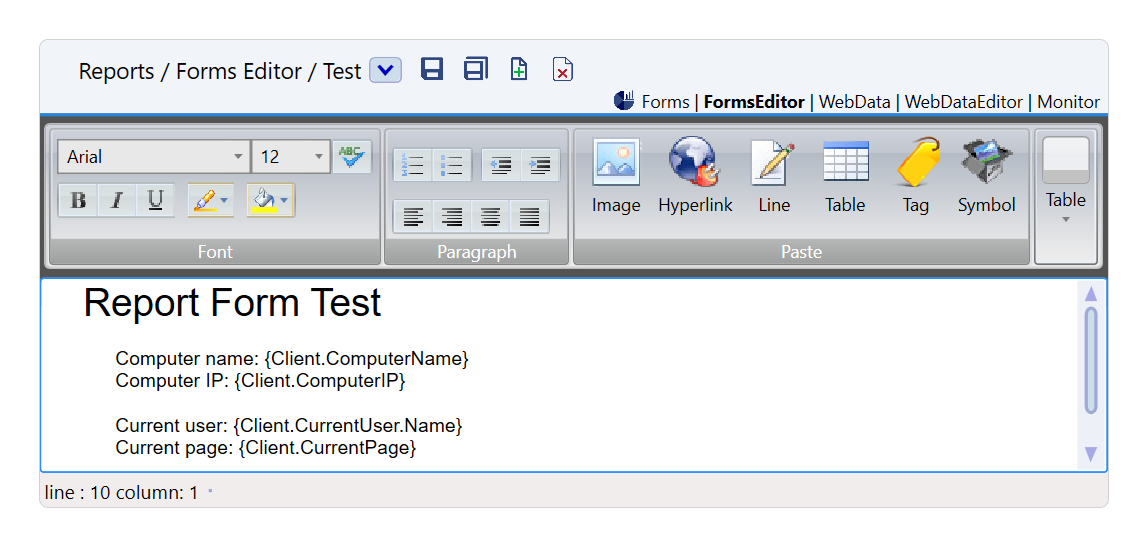
- Provide the path to access the target Form or WebData configured in the Reports Module (e.g.: Report.Form.Test or ReportWebData.Test).
Runtime Execution
During runtime, the ReportViewer Control functions as an interactive display for Report Forms configured in the Reports module. When the runtime environment is initiated, the ReportViewer retrieves and displays the specified Report Form or WebData. Users can interact with the displayed report, which dynamically updates based on the underlying data. This allows for real-time visualization and analysis of report data within the application, ensuring that users can effectively monitor and review the information presented.